Very nice plugin, easy to use, does what it says! Excellent and fast support!
Product Expiry Manager for WooCommerce
Automatically remove expired products before they damage your reputation, protect your store from costly mistakes with intelligent expiry automation that works invisibly in the background.
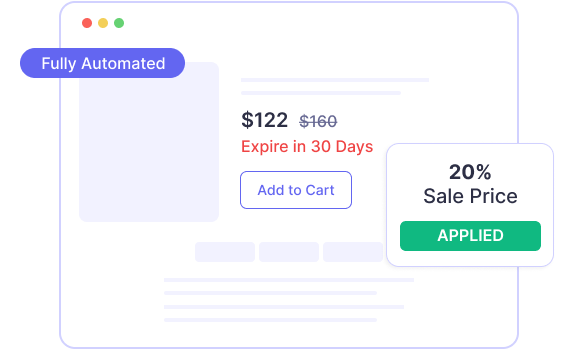
Automatic Sale Price
Automatically apply sale prices when products approach their expiry date to move inventory quickly and reduce waste while maximizing revenue from time-sensitive stock.
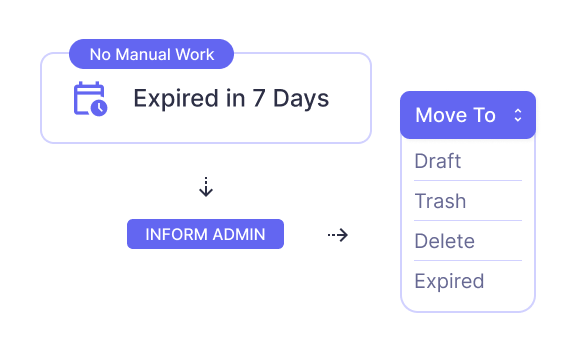
Automated Expiry Status Management
Automatically change product status to draft, trash, deleted, or expired, when items reach their scheduled expiry date.
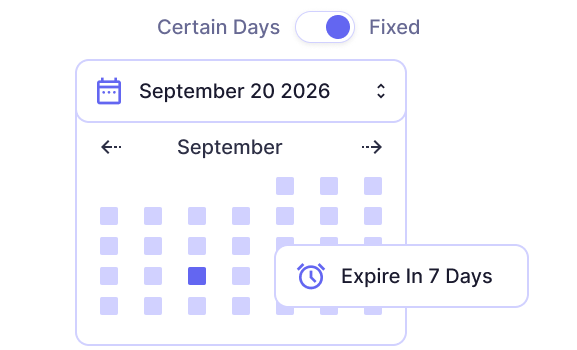
Flexible Expiry Scheduling
Set expiry dates using fixed day intervals (e.g., in 5 days) or assign specific future dates for precise control over when products expire.
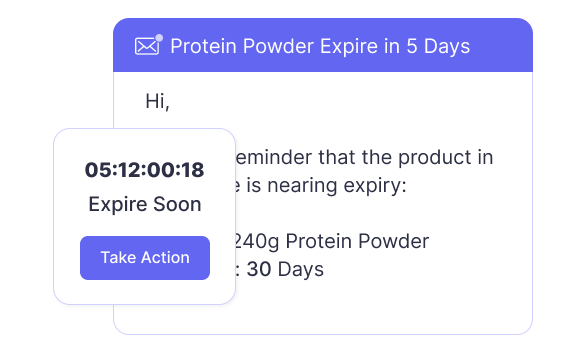
Administrator Email Alerts
Receive automated email notifications before products expire (X days in advance) so you can take action on inventory that's approaching its end date.
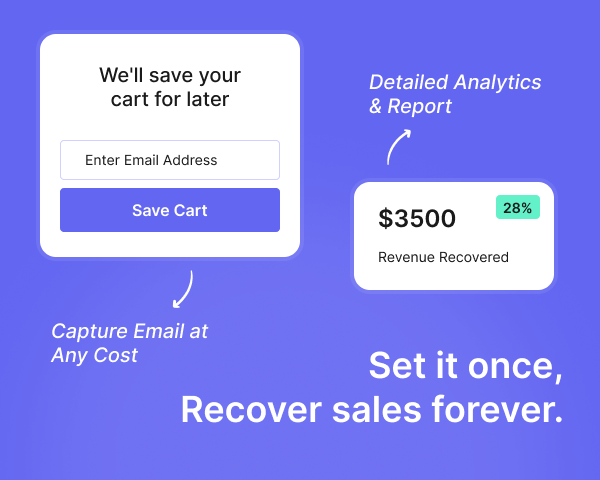
Simple, Yet Powerful Features
Email Logs
Don't take our word for it.
See what thousands of founders have to say about our software stack.
Marcus Rodriguez
Store Owner
Simple plugin that works well. The alert signup is straightforward for customers. Nice to see which products people are waiting for.
Jennifer Walsh
Digital Consultant
Clean interface, easy to set up for clients. No complaints so far.
Priya Sharma
E-commerce Manager
Good tool for managing supplement expiry dates. Does the job without being complicated.
Nina Patel
Store Manager
Love that it can automatically apply discounts to products nearing expiry. Would be perfect with batch expiry and bulk edit features.
Jessica Martinez
Owner
Got early access and it's working well so far. I really expect SMS integration - it would really help me reach customers faster.
Vanessa
Ecommerce Manager
Testing this before launch. The guest checkout recovery is what sets it apart - other solutions I tried just ignore non-registered users.
David
Operations Manager
Helpful for tracking expiry dates on our food products. The alert system works reliably.
How are products marked as expired?
Choose your preferred action: move products to expired status, draft, trash, or delete permanently. The plugin automatically applies your chosen action when expiry dates are reached.
What display options are available for expired products?
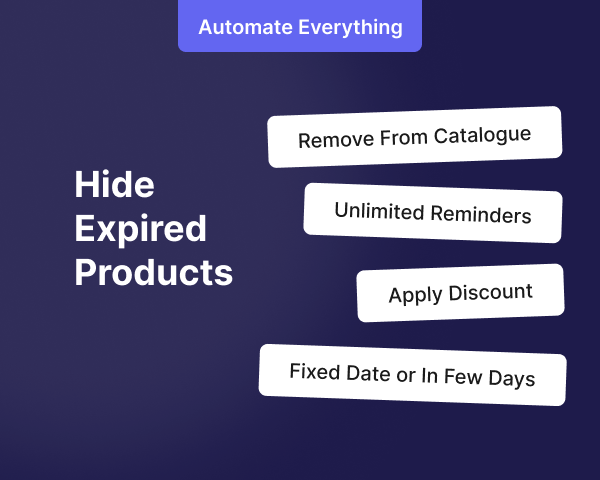
Hide expired products completely from your catalog OR display them with "Expired" status and disabled add-to-cart button to maintain catalog visibility.
How do expiry periods work?
Set countdown periods (e.g., expire after 30 days from publication) or assign specific future dates for precise expiry control that matches your workflow.
How does automatic sale pricing work?
Set an expiry threshold (e.g., 7 days before expiry) and the plugin automatically applies sale prices to products nearing expiration to move inventory quickly.
Can I receive multiple reminder notifications?
Yes. Set unlimited advance notifications at different intervals (e.g., 7 days before, 3 days before, on expiry day) to stay informed.
Does this work with variable products?
Yes. Fully supports simple, variable, and all WooCommerce product types with individual expiry settings for each variation.
Can I see which products are about to expire?
Yes. Comprehensive logs show all upcoming expirations and automated weekly/monthly reports keep you informed of products approaching their expiry dates.
WooCommerce Plugins
Turn Abandoned Carts into Revenue
Try our Pro plugin risk-free. If you're not satisfied, we'll refund your purchase - no questions asked.